Guest access — 30 days of free browsing remaining.
Guest access — 30 days of free browsing remaining.
How to write your own tags
Three steps, under 30 seconds, all inside Oferz. Your offers can change any time — the tag never needs re-writing.
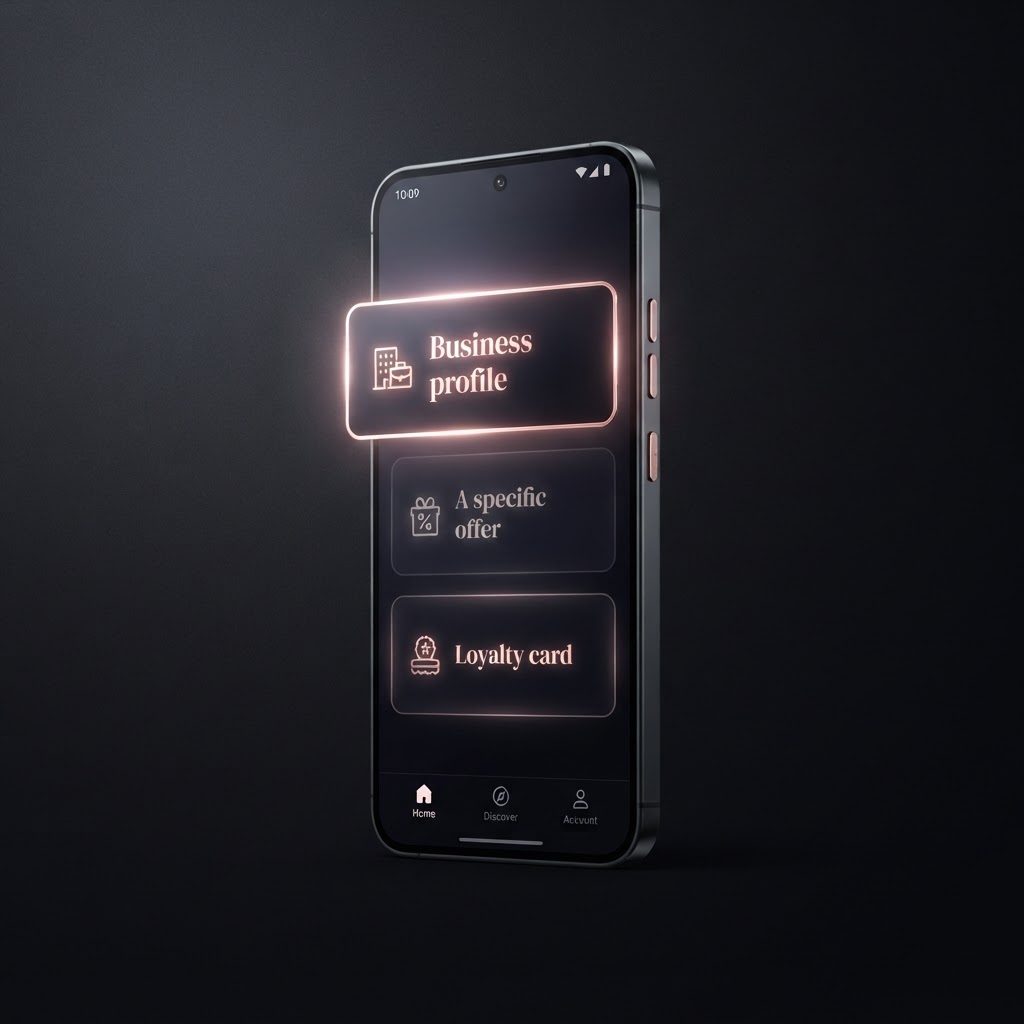
Step 1
Choose what the tag opens
In My Tags, tap “Write a new tag”. Pick your business profile, one specific offer, or your loyalty card.
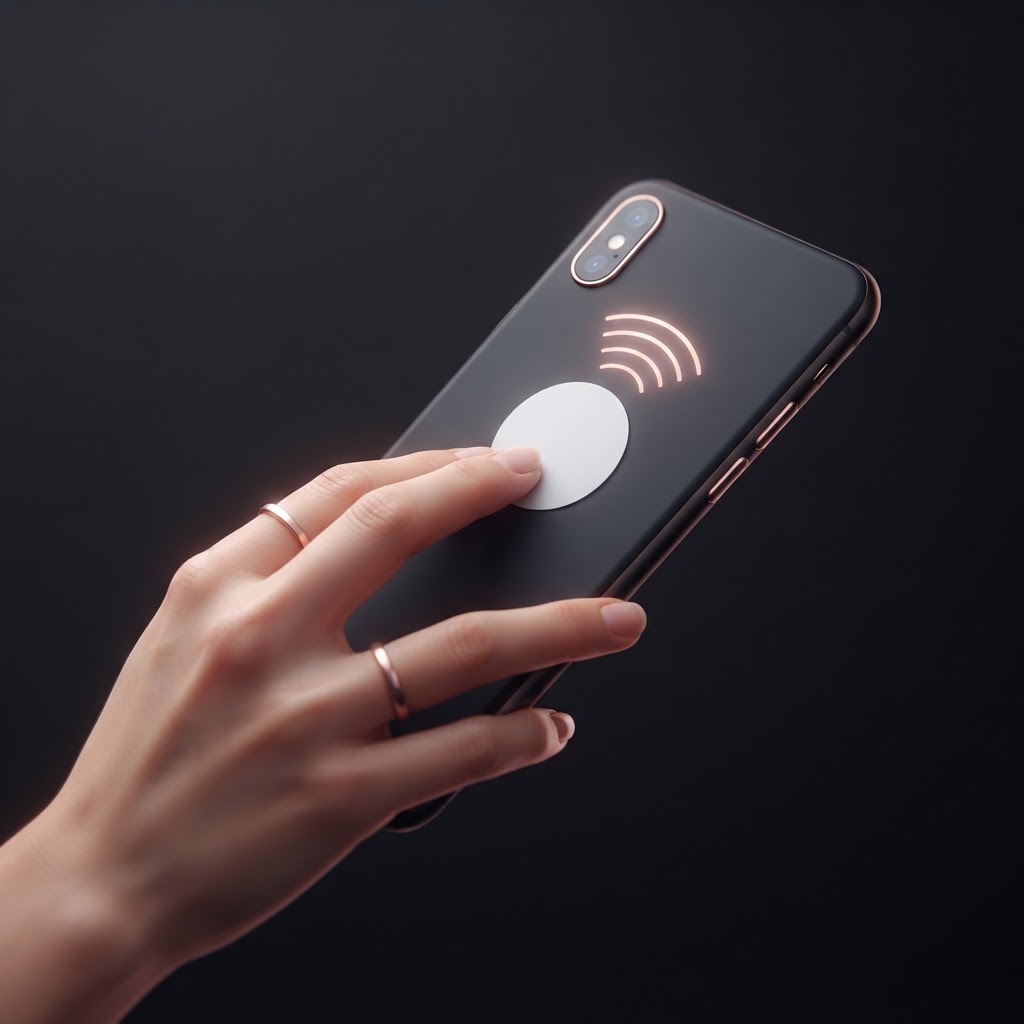
Step 2
Hold a blank tag to your phone
Tap “Start writing”, then press the sticker flat against the top-back of your phone. Keep it still for about 2 seconds until you see the tick.

Step 3
Name it and stick it up
Give the tag a name like “Front counter” so you can see which spots get the most taps. Then peel and stick — you're done.
Which phones can write tags?
- Android phones using Chrome (Samsung, Pixel, OnePlus, Motorola and most others made since 2019).
- iPhones can read Oferz tags perfectly, but Apple doesn't let web apps write them yet. iPhone users can order pre-written tags from Oferz.
- Any blank NTAG213 / 215 / 216 sticker works — these are the standard, inexpensive ones.